
How to Use Google for Reverse Phone Lookup: A Step-by-Step Guide

By Razib Mojumder
You’ve just received a call from an unfamiliar number. Before you return it or block it, you want to know who’s on the other end. While Google isn’t a dedicated reverse phone lookup service, it’s surprisingly effective for identifying mystery callers—if you know the right techniques.
Most people simply type a phone number into Google and hope for the best. That works sometimes, but there are specific methods that dramatically improve your chances of finding useful information. After testing various approaches with hundreds of phone numbers, I’ll show you exactly how to maximize Google’s search power for phone number investigation.
The Basic Google Reverse Phone Lookup Method
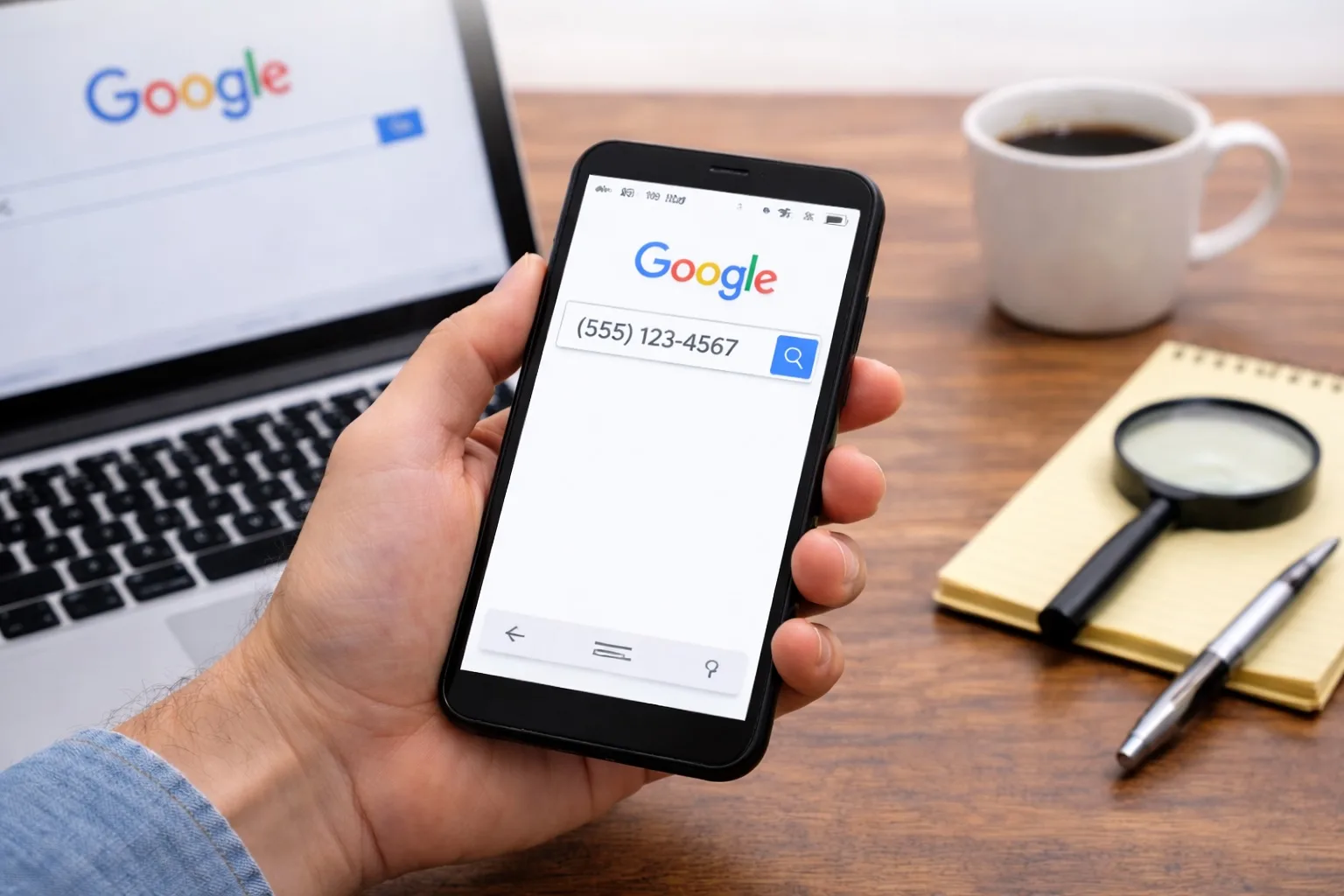
Start with the simplest approach first. Type the complete phone number into Google’s search bar, including the area code. For a number like (555) 123-4567, you’ll want to try multiple formats:
- 5551234567 (no spaces, no punctuation)
- 555-123-4567 (with hyphens)
- (555) 123-4567 (with parentheses)
- +1 555-123-4567 (with country code)
Why multiple formats? Different websites list phone numbers differently. A business directory might use hyphens while a complaint forum uses no punctuation. Testing various formats catches results that a single search might miss.
Google displays several types of results when you search a phone number:
Business listings – If the number belongs to a registered business, you’ll often see it in the knowledge panel on the right side of the screen, complete with the company name, address, and hours.
Social media profiles – People who’ve publicly listed their phone numbers on Facebook, LinkedIn, or Twitter may appear in results.
Complaint websites – Numbers associated with spam, scams, or telemarketers frequently show up on sites like 800notes, WhoCallsMe, or CallerComplaints.
Personal websites or directories – Some individuals list contact information on professional websites, online resumes, or public directories.
Advanced Google Search Operators for Phone Lookups
Search operators are special commands that refine your Google searches. They’re incredibly powerful for reverse phone lookup but rarely used because most people don’t know they exist.
The Quote Marks Technique
Place the phone number in quotation marks: “555-123-4567”
This forces Google to search for that exact phrase. Without quotes, Google might show pages containing similar numbers or pages with those digits scattered throughout. With quotes, you get only precise matches.
The Site-Specific Search
Search within specific websites using the site: operator:
- site:facebook.com “555-123-4567” – Searches only Facebook
- site:linkedin.com “555-123-4567” – Searches only LinkedIn
- site:twitter.com “555-123-4567” – Searches only Twitter
This technique works brilliantly for social media platforms that don’t always expose phone numbers through their internal search functions.
The Exclusion Operator
If you’re getting too many results from spam report sites and want to see other types of listings, exclude them:
“555-123-4567” -site:800notes.com -site:whocallsme.com
The minus sign tells Google to ignore results from those domains.
Combining Multiple Operators
For really stubborn numbers, combine several operators:
“555-123-4567” site:linkedin.com OR site:facebook.com “New York”
This searches both social platforms for that exact number and includes location information to narrow results.
What Google Can and Cannot Find
Pros:
- Completely free with no registration required
- Excellent for identifying business numbers
- Fast results for publicly listed information
- Finds scam and spam reports from multiple sources
- Works globally for any country’s phone numbers
- Discovers social media profiles with public phone listings
Cons:
- Limited effectiveness for private cell phone numbers
- No access to carrier information or line type
- Cannot reveal unlisted or protected numbers
- Results depend entirely on public information availability
- No standardized format makes filtering difficult
- Outdated information persists in search results
Step-by-Step Process for Maximum Results
Here’s the systematic approach I use when investigating unknown numbers:
Step 1: Initial Basic Search (30 seconds) Type the number in standard format and scan the first page of results. Check if there’s an immediate business match or obvious spam reports.
Step 2: Format Variations (1-2 minutes) Try at least three different number formats. I’ve found numbers that appeared only when searched without punctuation, even though the exact same digits with hyphens returned nothing.
Step 3: Quoted Search (30 seconds) Re-run your most promising format in quotation marks. This often eliminates irrelevant results and highlights exact matches you missed initially.
Step 4: Social Media Sweep (2-3 minutes) Use the site: operator to search Facebook, LinkedIn, and Twitter individually. Even if someone’s profile is private, their contact info page might be indexed.
Step 5: Reverse the Area Code (1 minute) Search just the area code (555) to determine the geographic region. This helps verify if a “local” caller is actually from your area or spoofing.
Step 6: Image Search (1 minute) Click Google’s “Images” tab after searching the number. Sometimes business cards, screenshots, or promotional materials containing the number appear in image results but not text results.
Alternative Google Tools for Phone Lookup
Google Maps
Don’t overlook Google Maps for business numbers. Enter the phone number directly into the Maps search bar. Registered businesses with that contact number will appear with full location details, reviews, and photos. This works even when the standard Google search doesn’t show the business prominently.
Google Voice Number Check
If you have a Google Voice account, you can identify whether a number is also a Google Voice number by attempting to send it a text through the service. Google Voice numbers show up differently in the interface, though this method requires you to interact with the number.
Gmail Search
Search your own Gmail using the phone number. You might have forgotten an email exchange, order confirmation, or newsletter that included this contact information. Use Gmail’s search bar with the number in quotes.
Interpreting Your Search Results
Not all Google results are equally reliable. Here’s how to evaluate what you find:
Multiple Consistent Sources: If 3-4 different websites identify the number identically, that’s strong confirmation.
Recent Activity: Check dates on spam reports or forum posts. A complaint from 2015 might not reflect current ownership of that number.
Contradictory Information: When sources disagree, the number may have been reassigned, or some listings are outdated.
No Results: A complete absence of results suggests either a new number, a private cell phone, or a VoIP number not widely used for public-facing purposes.
Common Scenarios and What to Expect
| Caller Type | Google Success Rate | What You’ll Typically Find |
|---|---|---|
| Business landline | 85-95% | Company name, address, website, reviews |
| Telemarketer | 70-80% | Spam reports, company name, complaint details |
| Scam/robocall | 60-75% | Multiple spam reports, warning posts |
| Personal cell (public) | 30-40% | Social media profiles, public directories |
| Personal cell (private) | 5-15% | Usually nothing or very limited info |
| VoIP/app number | 20-30% | Service provider name, occasional user info |
| Government/municipal | 50-60% | Department name, public contact listings |
When Google Reverse Phone Lookup Isn’t Enough
Google works best as a first line of investigation, but it has clear limitations. If your search returns nothing or you need more detailed information, you’ll need specialized tools.
Info: Google cannot access protected databases containing carrier information, ownership records, or connection history. These details require specialized reverse phone lookup services with access to telecommunications databases and public records.
Numbers that won’t appear in Google searches include:
- Newly activated phone numbers (not yet indexed)
- Private cell phones never linked to public accounts
- Numbers used exclusively for person-to-person calls
- Unlisted landlines with privacy protection
- Temporary or burner phone numbers
- International numbers from countries with strict privacy laws
Tips for Better Results
Search During Off-Peak Hours: Google’s autocomplete and related searches features work better when you’re searching at odd hours, as there’s less real-time search competition affecting suggestions.
Clear Your Browser Cache: If you’ve searched the number before, cached results might prevent you from seeing updated information. An incognito/private window gives you fresh results.
Try Regional Google Sites: Use google.co.uk for UK numbers or google.ca for Canadian numbers. Regional Google sites sometimes surface local results more effectively.
Look at “People Also Ask”: This section often contains related questions that reveal whether the number is commonly associated with scams or businesses.
Check Cached Pages: Click the three dots next to any result and select “Cached” to see older versions of pages that might have since removed the phone number.
Safety Considerations
Before you act on information found through Google:
Verify Before Calling Back: Just because Google identifies a number doesn’t mean it’s safe to return the call. Scammers sometimes list fake business names on spam sites to appear legitimate.
Don’t Trust Single Sources: A single forum post or review isn’t reliable confirmation. Cross-reference with multiple independent sources.
Watch for Spoofed Numbers: Caller ID spoofing means the number you see might not be the actual origin. Google results showing a legitimate business doesn’t guarantee that business actually called you.
Protect Your Own Number: Remember that your phone number can also be searched on Google. Review your privacy settings on social media and professional networks.
Documenting Your Findings
When you find useful information, save it properly:
- Take screenshots of search results pages
- Copy URLs of relevant sources
- Note the date of your search
- Record the exact search terms that worked
- Save spam reports with dates and complaint details
This documentation proves valuable if you need to report the number to authorities or your phone carrier, especially for persistent harassment or scam attempts.
Mobile vs. Desktop Searching
Google’s mobile and desktop interfaces show different results for phone number searches. Mobile results prioritize local businesses and include click-to-call buttons, while desktop results offer more detailed snippets and easier access to advanced search operators.
For thorough investigation, use desktop Google. For quick identification of local businesses, mobile works fine and provides faster access to maps and directions.
Why does Google show different results when I search the same number twice?
Google personalizes results based on your search history, location, and browsing behavior. Additionally, websites constantly update their content, and Google’s index refreshes regularly. For consistent results, use incognito mode and the same search format each time. The order of results might shift, but the actual pages found should remain relatively stable over short periods.
Can I find out if a number is a cell phone or landline using Google?
Google searches won’t directly tell you the line type. However, you can infer this from context clues. Business addresses suggest landlines, while numbers appearing only on social media profiles are likely cell phones. For definitive carrier information and line type, you’ll need a specialized phone lookup service that queries telecommunications databases.
How long does it take for a new phone number to appear in Google search results?
This varies significantly. Business numbers actively promoted online might appear within days. Personal numbers could take weeks or months if they’re mentioned on indexed websites. Some numbers never appear because they’re not published anywhere Google can crawl. Typically, expect 2-4 weeks for a number associated with active online accounts to become searchable.
What should I do if Google shows my number belongs to a scammer?
First, verify the information is about your specific number, not just similar digits. If spam reports definitely reference your number, contact your carrier immediately—your number may have been spoofed or previously belonged to a scammer. Request a number change if reports persist. You cannot directly remove spam reports from third-party sites, but explaining the situation to site administrators sometimes helps.
Are international phone numbers searchable on Google?
Yes, but results vary by country. Numbers from the US, UK, Canada, and Australia generally return better results due to more indexed content. Include the country code (+44 for UK, +1 for US/Canada, etc.) and try the local Google domain (google.co.uk, google.com.au). Privacy laws in some European countries limit publicly available phone data, making searches less effective.
Beyond the Basics: Professional Search Techniques
Experienced researchers use additional Google features most people overlook:
Google Alerts: Set up an alert for a specific phone number to receive notifications when new pages mentioning it are indexed. This works well for monitoring a suspicious number over time.
Advanced Search Page: Access google.com/advanced_search to combine multiple search criteria without memorizing operators. You can specify exact phrases, excluded terms, date ranges, and file types all in one interface.
Related Searches: Scroll to the bottom of results for “Searches related to [your number]”. These reveal what others are searching alongside that number, offering investigation leads you might not have considered.
The most effective reverse phone lookup strategy combines Google’s free search capabilities with an understanding of its limitations. Google excels at finding publicly posted information and identifying businesses, but reaches its ceiling with private numbers and unlisted contacts. Know when Google reverse phone lookup serves your needs and when you need specialized tools for deeper investigation.
Editorial Standards & Fact Checking
At NumLocate, our telecommunications and privacy guides are independently researched, cross-referenced with official FCC guidelines and carrier numbering plans, and reviewed to ensure consumer safety and accuracy.

Written by Razib Mojumder
Telecommunications & Digital Privacy Specialist
Razib is the lead researcher at NumLocate, specializing in caller ID authentication protocols, STIR/SHAKEN anti-spoofing frameworks, and practical digital privacy tools for everyday consumers.
Related Articles
 Phone Lookup
What Does Scam Likely Mean on Caller ID?
TL;DR “Scam Likely” on your caller ID is a warning label that your phone carrier automatically displays when an incoming call is suspected to be fraudulent or a scam. Major carriers like T-Mobile, AT&T, and Verizon use call analytics technology to identify suspicious calling patterns and flag these numbers before you answer. When you see […]
 Phone Lookup
Why Do Old Phone Numbers Have New Owners?
TL;DR Old phone numbers get reassigned to new owners because telecommunications carriers recycle disconnected numbers after a waiting period to manage the limited supply of available phone numbers. When someone cancels their service, switches carriers, or stops paying their bill, their number enters a holding period before returning to the available pool. This recycling process […]
 Phone Lookup
What Can an Area Code Tell You About a Phone Number?
TL;DR An area code reveals the geographic region where a phone number was originally assigned, whether it’s a landline or mobile number, and can help identify potential spam or scam calls. While area codes once definitively indicated a caller’s physical location, number portability and VoIP services have made this information less reliable. Area codes can […]