Latest Updates

Stay informed about phone security, tracking technology, and our latest features.

How to Fix Your Phone Number Being Marked as SpamHow To
Razib

How to Fix Your Phone Number Being Marked as Spam

TL;DR If your phone number is marked as spam, you can fix it by requesting removal from major spam databases like the First Orion Scam Call Registry and registering with the National Do Not Call Registry, contacting your carrier to clear your number’s reputation, reducing your call volume and improving call patterns to avoid spam […]
Read Article →
How to Remove Your Phone Number From Google SearchHow To
Razib

How to Remove Your Phone Number From Google Search

TL;DR To remove your phone number from Google search results, start by deleting the source content where your number appears, then submit removal requests through Google’s Removals Tool for specific URLs. You can also contact website owners directly to remove your information, request de-indexing for sensitive personal data, and adjust privacy settings on social media […]

Read Article →
How to Report Scam Calls and RobocallsHow To
Razib

How to Report Scam Calls and Robocalls

TL;DR Report scam calls to the Federal Trade Commission through their online complaint form or by phone at 1-877-382-4357, and forward robocalls to 7726 (SPAM) to help your carrier identify and block fraudulent numbers. You should also report violations to the Federal Communications Commission, your state attorney general, and consider registering your number on the […]

Read Article →
How to Block Spam Calls on iPhone and AndroidHow To
Razib

How to Block Spam Calls on iPhone and Android

TL;DR Blocking spam calls on your smartphone involves using built-in features like Silence Unknown Callers on iPhone or Call Screen on Android, along with carrier-provided spam protection services. Both platforms let you manually block numbers, report spam, and download third-party call-blocking apps for enhanced protection. The most effective approach combines multiple methods: enabling system-level spam […]

Read Article →
How to Check a Suspicious Text Message NumberHow To
Razib

How to Check a Suspicious Text Message Number

TL;DR To check a suspicious text message number, start by conducting a reverse phone lookup using services like WhitePages or Truecaller, search the number online to see if others have reported it as spam, and verify any claims independently by contacting the supposed sender through official channels. Never click links or share personal information from […]

Read Article →
How to Verify a Call Claiming to Be From a BankHow To
Razib

How to Verify a Call Claiming to Be From a Bank

TL;DR Never trust caller ID alone when someone claims to be from your bank, as scammers easily spoof legitimate numbers. Hang up and call your bank directly using the number on your card, statement, or official website to verify any request for personal information or urgent action. Real banks rarely call demanding immediate payments, passwords, […]

Read Article →
How to Identify a One-Ring Phone ScamHow To
Razib

How to Identify a One-Ring Phone Scam

TL;DR A one-ring phone scam occurs when scammers call your phone and hang up after one ring, hoping you’ll call back a premium-rate number that charges high fees. To identify these scams, watch for calls from unfamiliar international area codes, calls that disconnect after a single ring, and numbers you don’t recognize that appear in […]

Read Article →
How to Check Whether a Caller ID Has Been SpoofedHow To
Razib

How to Check Whether a Caller ID Has Been Spoofed

TL;DR Caller ID spoofing occurs when scammers deliberately falsify the phone number displayed on your screen to disguise their identity or trick you into answering. You can detect spoofed calls by verifying mismatches between the displayed number and the caller’s actual identity, using reverse phone lookup services, checking for suspicious behavior patterns like urgent requests […]

Read Article →
What Does Scam Likely Mean on Caller ID?Phone Lookup
Razib

What Does Scam Likely Mean on Caller ID?

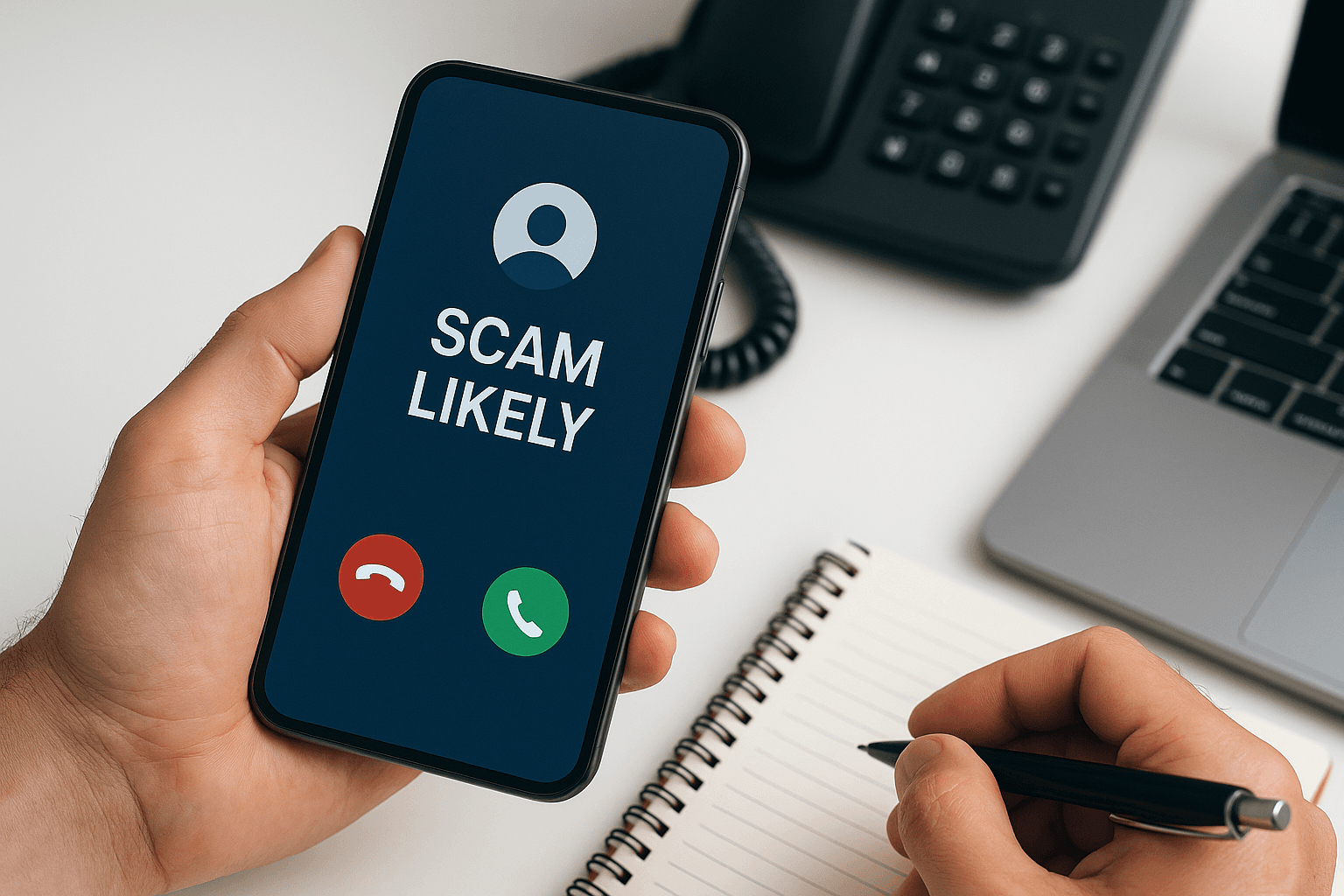
TL;DR “Scam Likely” on your caller ID is a warning label that your phone carrier automatically displays when an incoming call is suspected to be fraudulent or a scam. Major carriers like T-Mobile, AT&T, and Verizon use call analytics technology to identify suspicious calling patterns and flag these numbers before you answer. When you see […]

Read Article →