
How to Find Your Lost or Stolen Phone Using Only the Phone Number

By Razib Mojumder
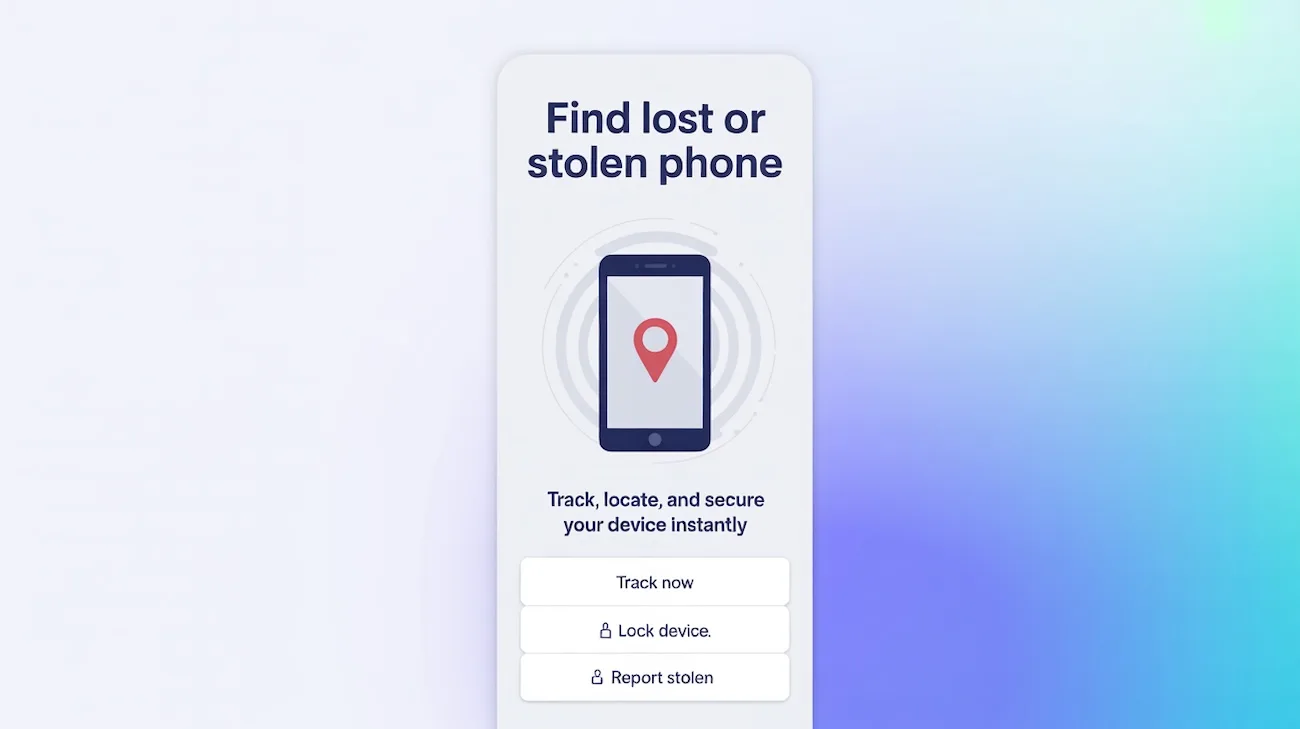
That sinking feeling when you pat your pockets and realize your phone isn’t there—we’ve all been there. The good news? Your phone number can be the key to finding your device, even if you didn’t set up tracking beforehand.
I’ll walk you through proven methods that work in real-world situations, from immediate steps you can take right now to advanced tracking techniques. Some of these methods work for both Android and iPhone, while others are platform-specific.
Immediate Steps: What to Do in the First 30 Minutes
Time matters when your phone goes missing. Here’s what you need to do before attempting any tracking methods.
Contact Your Carrier First
Your mobile carrier has tools that most people don’t know about. Call them immediately (use a friend’s phone or landline) and ask them to:
- Ping your device’s last known location
- Suspend your service to prevent unauthorized use
- Flag the device as lost or stolen in their system
- Check if there’s been any activity since you lost it
Major carriers like Verizon, AT&T, and T-Mobile offer device location services included with your plan. T-Mobile’s FamilyWhere and AT&T’s Secure Family can locate devices tied to your account even without prior setup.
Don’t Change Your SIM Card Status Yet
Here’s a mistake people make: immediately deactivating their SIM card. If someone found your phone and wants to return it, they might try calling “Mom” or “Home” in your contacts. Keep the line active for at least a few hours unless you suspect theft.
Method 1: Built-in Device Tracking (If You Set It Up)
Before exploring third-party options, check if your phone’s native tracking is available.
For iPhone Users: Find My iPhone
Even if you didn’t actively enable Find My iPhone, it’s turned on by default in iOS 13 and later. Here’s how to access it:
- Go to iCloud.com on any computer or device
- Log in with your Apple ID
- Click “Find iPhone”
- Select your device from the list
You’ll see your phone’s current location (if it’s on and connected to the internet) or its last known location. The interface shows:
- Play Sound: Makes your phone ring at full volume for 2 minutes
- Lost Mode: Locks the device and displays a custom message with a callback number
- Erase iPhone: Remote wipe as a last resort
Info: Find My iPhone works even when your device is offline if you have iOS 15 or later. The phone uses Bluetooth to send its location to nearby Apple devices in the Find My network.
For Android Users: Find My Device
Google’s Find My Device requires a Google account logged into your phone. Access it through:
- Visit android.com/find on any browser
- Sign in with your Google account
- Select your phone from the device list
Android’s tracking shows:
- Real-time location (updated within the last hour)
- Play Sound: Rings for 5 minutes even on silent
- Secure Device: Locks the phone with a custom message
- Erase Device: Factory reset option
Method 2: Third-Party Phone Number Tracking Services
If built-in tracking isn’t available, specialized services can help locate devices using phone numbers.
NumLocate: Phone Number Location Tracking
NumLocate offers location tracking based on phone numbers without requiring app installation. Here’s how it works:
Process:
- Enter the target phone number on NumLocate
- The service sends a tracking link via SMS
- When clicked, it captures the device’s GPS coordinates
- View the location on a real-time map
This method works because it doesn’t rely on pre-installed apps. The person who has your phone just needs to click the link—which might happen if they’re curious about the message or trying to contact you.
Limitations:
- Requires the person with your phone to click the SMS link
- Location accuracy depends on GPS signal strength
- Works better when the phone has an active data connection
Pros:
- No pre-installation required
- Works across Android and iOS
- Provides GPS coordinates, not just cell tower triangulation
- Can track multiple location updates
Cons:
- Requires user interaction with the SMS
- Costs vary based on tracking duration
- May not work if the phone is turned off
- Less reliable in areas with poor cellular coverage
Carrier-Specific Tracking Apps
Beyond basic carrier support, most providers offer premium tracking services:
| Carrier | Service Name | Monthly Cost | Features |
|---|---|---|---|
| Verizon | Smart Family | $4.99 | Real-time GPS, location alerts, 30-day history |
| AT&T | Secure Family | $7.99 | Location tracking, content filters, drive monitoring |
| T-Mobile | FamilyWhere | $9.99 | GPS tracking, location schedules, check-ins |
| Sprint | Safe & Found | $5.99 | Location updates, geofencing, panic alerts |
These services can sometimes activate retroactively—meaning you can sign up after losing your phone and still track it.
Method 3: IMEI Tracking for Stolen Phones
IMEI tracking is your heavy artillery when dealing with theft. Every phone has a unique 15-digit International Mobile Equipment Identity number.
Finding Your IMEI Number
If you didn’t write down your IMEI beforehand, try these recovery methods:
Check your phone’s original packaging: The IMEI is printed on the box label
Look at your purchase receipt: Many retailers include IMEI numbers on receipts
Check your Google or Apple account:
- iPhone: Go to account.apple.com > Devices
- Android: Visit google.com/android/find > Device details
Contact your carrier: They have your IMEI in their system records
How IMEI Tracking Actually Works
Contrary to popular belief, you can’t just enter an IMEI into a website and see your phone’s location on a map. Here’s the reality:
- File a police report with your IMEI number
- Report to your carrier who can block the IMEI on their network
- Register with the GSMA Device Registry (used in some countries)
- Law enforcement tracks the device when it connects to cellular networks
Police can work with carriers to track which cell towers your phone connects to. When a blocked IMEI attempts to connect, carriers can pinpoint the approximate location.
Info: IMEI blocking works differently by country. In the US, carriers share blacklists, making a blocked phone unusable on major networks. However, sophisticated thieves sometimes bypass this by reflashing the phone’s software.
IMEI Tracking Services: What’s Legitimate?
Many websites claim to offer IMEI tracking for a fee. Most are scams. Legitimate options include:
Stolen Phone Checker (officialiPhoneChecker.com): Verifies if an iPhone is reported stolen, but doesn’t provide location
GSMA Device Check: Free service to verify device status across carriers
Carrier IMEI services: AT&T, Verizon, and T-Mobile offer blocking and tracking for law enforcement
Avoid services promising immediate IMEI location tracking for a fee—they can’t deliver what they promise.
Method 4: Social Engineering and Detective Work
Sometimes old-fashioned detective work beats technology.
Call Your Own Number
Simple but effective. Someone might answer if:
- They found your phone and want to return it
- They’re using it and don’t realize the owner might call
- It’s at a business where an employee picked it up
Be friendly and offer a reward. Many people are honest and will arrange a return.
Check “Find My” Apps from Friends
If you recently shared your location with friends or family through apps like WhatsApp, Snapchat, or Life360, they might still see your phone’s location in their apps—even if you can’t access your own accounts.
Contact Recent Locations
Retrace your steps and call:
- Restaurants where you ate
- Stores you visited
- Rideshare drivers (check your Uber/Lyft history)
- Public transportation lost and found
Ask them to check if a phone matching your description was turned in. Provide your phone number so they can identify it.
Preventing Future Loss: Setup Steps You Should Take Now
Once you recover your phone (or get a new one), take these preventive measures:
Enable All Native Tracking Features
iPhone Setup:
- Settings > [Your Name] > Find My
- Enable “Find My iPhone”
- Turn on “Send Last Location”
- Enable “Find My network” for offline finding
Android Setup:
- Settings > Security > Find My Device
- Enable location services (High accuracy mode)
- Turn on “Store recent location”
- Enable remote lock and erase
Create a Phone Tracking Kit
Store this information somewhere safe (not on your phone):
- IMEI number (dial *#06# to display it)
- Serial number
- Phone model and color
- Your carrier account PIN
- Apple ID or Google account credentials
- Photos of your phone (for police reports)
Install a Third-Party Tracking App
Consider installing a backup tracking solution:
Prey Anti Theft (Free): Works even when primary tracking is disabled, takes photos of thieves, sends location reports
Cerberus (€5/year): Remote control via text, SIM change alerts, disguised app icon
Where’s My Droid (Free/Premium): Android-only, responds to SMS commands, stealth mode available
What to Do If You Can’t Recover Your Phone
Sometimes recovery isn’t possible. Here’s how to minimize damage:
Secure Your Accounts Immediately
- Change passwords for email, banking, and social media
- Enable two-factor authentication on critical accounts
- Log out of all sessions remotely through account settings
- Contact your bank if you had payment apps installed
- Review account activity for unauthorized access
Remote Wipe Your Device
As a last resort, erase everything:
- iPhone: iCloud.com > Find iPhone > Erase iPhone
- Android: android.com/find > Erase device
Note that once you wipe the device, you can’t track it anymore. Only do this if you’re certain recovery is impossible.
File an Insurance Claim
If you have phone insurance through:
- AppleCare+ (iPhone)
- Google Preferred Care (Pixel)
- Carrier insurance plans
- Credit card purchase protection
File a claim within the required timeframe (usually 30-60 days). You’ll need:
- Police report number
- Proof of ownership
- Account information
- IMEI number
Legal and Privacy Considerations
Before tracking any phone, understand the legal boundaries.
When Is Phone Tracking Legal?
You can legally track:
- Your own device
- Devices owned by your minor children
- Company-owned devices (with employee consent)
- Devices where you have explicit permission
When Is It Illegal?
Tracking without consent is illegal in most jurisdictions. This includes:
- Tracking a spouse or partner without permission
- Installing tracking apps on someone else’s phone
- Using spyware or unauthorized monitoring tools
Violations can result in criminal charges under wiretapping and surveillance laws.
Can I track my phone if it’s turned off?
Mostly no, but there are exceptions. iPhones with iOS 15+ can send Bluetooth signals to nearby Apple devices even when powered off, showing approximate location through the Find My network. Android phones generally cannot be tracked when completely powered off, but may still be trackable if only the screen is off. Samsung phones with SmartThings Find can be located for up to 7 days after being powered off.
How accurate is phone tracking by number?
Accuracy varies by method. GPS-based tracking (like Find My iPhone or Find My Device) is accurate within 10-50 feet under good conditions. Cell tower triangulation is less accurate, typically within 300-3000 feet depending on tower density. Services that track by phone number alone use cell tower data and are generally accurate to the neighborhood level, not the exact address.
Can someone track my phone without me knowing?
If they have physical access to install tracking software, yes—but it’s illegal without your consent. Standard Find My iPhone/Device features require your Apple ID or Google account credentials. Be suspicious if your battery drains faster than normal, data usage increases unexpectedly, or you notice unfamiliar apps. Check Settings > Privacy > Location Services to see which apps have location access.
Will my phone still be trackable if someone changes the SIM card?
Yes, but with limitations. Built-in tracking like Find My iPhone and Find My Device is tied to the device itself, not the SIM card, so they’ll still work with a new SIM. However, phone number-based tracking services won’t work since the number has changed. The IMEI number remains the same regardless of SIM changes, so IMEI tracking through law enforcement still works.
How long does IMEI tracking take to find a stolen phone?
IMEI tracking through law enforcement typically takes days to weeks, not minutes. After filing a police report, carriers flag the IMEI and monitor when it connects to cell towers. If the thief uses the phone on a network, carriers can provide location data to police. However, this isn’t real-time tracking—it’s forensic data that helps build a case. Immediate recovery using IMEI alone is rare; most successful recoveries happen within the first 24-48 hours using GPS tracking instead.
Testing Your Tracking Setup
Don’t wait until your phone is lost to discover your tracking doesn’t work. Test it now:
- Hide your phone somewhere in your house
- Use Find My iPhone/Device from another device
- Verify the location is accurate
- Test the sound alert to make sure it’s loud enough
- Try Lost Mode to see how it displays your message
If anything doesn’t work properly, troubleshoot now while you still have the phone.
The key to recovering a lost or stolen phone is preparation. Set up tracking features now, document your IMEI, and know which services are available through your carrier. When the moment comes, you’ll have multiple options instead of scrambling to figure out what works.
Editorial Standards & Fact Checking
At NumLocate, our telecommunications and privacy guides are independently researched, cross-referenced with official FCC guidelines and carrier numbering plans, and reviewed to ensure consumer safety and accuracy.

Written by Razib Mojumder
Telecommunications & Digital Privacy Specialist
Razib is the lead researcher at NumLocate, specializing in caller ID authentication protocols, STIR/SHAKEN anti-spoofing frameworks, and practical digital privacy tools for everyday consumers.
Related Articles
 How To
How to Fix Your Phone Number Being Marked as Spam
TL;DR If your phone number is marked as spam, you can fix it by requesting removal from major spam databases like the First Orion Scam Call Registry and registering with the National Do Not Call Registry, contacting your carrier to clear your number’s reputation, reducing your call volume and improving call patterns to avoid spam […]
 How To
How to Remove Your Phone Number From Google Search
TL;DR To remove your phone number from Google search results, start by deleting the source content where your number appears, then submit removal requests through Google’s Removals Tool for specific URLs. You can also contact website owners directly to remove your information, request de-indexing for sensitive personal data, and adjust privacy settings on social media […]
 How To
How to Report Scam Calls and Robocalls
TL;DR Report scam calls to the Federal Trade Commission through their online complaint form or by phone at 1-877-382-4357, and forward robocalls to 7726 (SPAM) to help your carrier identify and block fraudulent numbers. You should also report violations to the Federal Communications Commission, your state attorney general, and consider registering your number on the […]