
How to Identify Unknown Callers Without Paying: 7 Free Methods That Actually Work

By Razib Mojumder
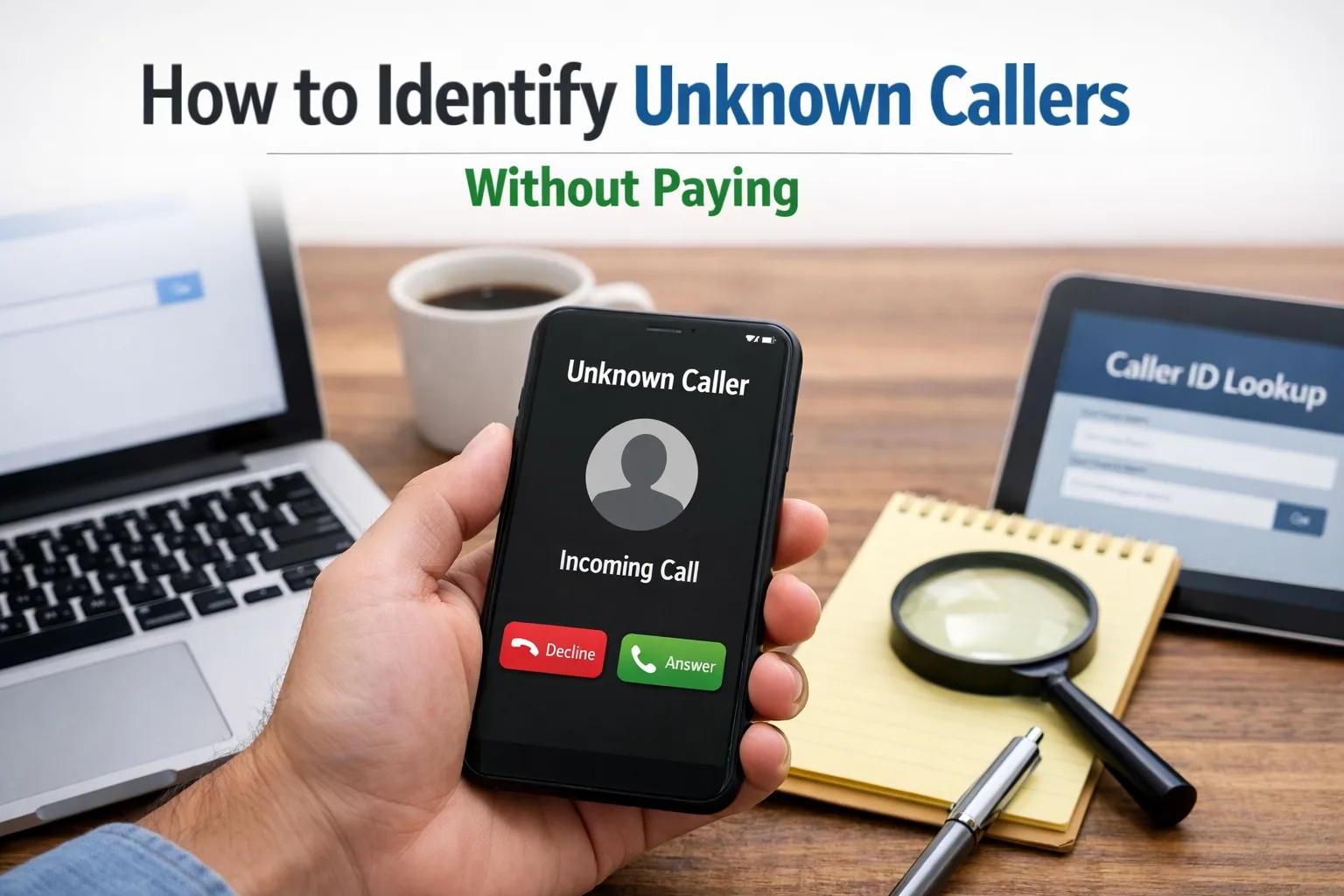
Your phone rings. The screen shows “Unknown” or “No Caller ID.” Your stomach tightens a bit—is it a spam call, a potential employer, or someone from your kid’s school? Before you ignore it or pick up blindly, you have options.
I’ve spent years testing phone lookup tools and caller identification methods, and here’s the truth: you don’t need to pay monthly fees to figure out who’s calling you. While paid services offer convenience, several free methods can reveal caller information just as effectively.
Understanding the Different Types of Unknown Calls
Before we tackle how to identify these callers, let’s clarify what you’re dealing with:
Blocked/Private Numbers: The caller intentionally hid their number using *67 or similar blocking features. Your phone displays “Private,” “Blocked,” or “Unknown.”
No Caller ID: This typically means the call came through a VoIP service or the carrier couldn’t retrieve caller information. iPhones specifically show “No Caller ID” for these.
Unfamiliar Numbers: You see a complete phone number, but you don’t recognize it. These are the easiest to identify.
Each type requires slightly different tactics, but all can be identified without spending a dime.
Method 1: Use Your Phone’s Built-In Call History Features
Your smartphone already collects more data than you might realize.
iPhone Users: Check Recents with a Twist
Even when someone blocks their number, iPhones sometimes capture partial information. Here’s what to do:
- Open your Phone app and tap “Recents”
- Look for the call in question
- Tap the “i” icon next to it
- Even if it shows “No Caller ID,” check if there’s a timestamp and duration
- Scroll down to see if any contact information appears
Sometimes iOS will match a blocked call to an existing contact if that person has called you before without blocking their number. The system recognizes patterns in calling behavior and timing.
Android Users: Dive Into Call Logs
Android devices often store more raw data:
- Open your Phone app
- Navigate to call history
- Long-press on the unknown call
- Select “Details” or “Call details”
- Look for any partial number strings or metadata
Some Android manufacturers include enhanced logging features that capture IP addresses for VoIP calls or carrier routing information that can provide clues.
Method 2: Reverse Phone Lookup Services (The Free Ones That Work)
Not all reverse lookup services require payment. Several legitimate platforms offer basic searches at no cost.
| Service | Free Features | Data Quality | Best For |
|---|---|---|---|
| PeoplesLookup | Basic caller info, location, carrier | High | Quick anonymous lookups |
| TrueCaller | Caller ID, spam detection | Medium-High | Real-time identification |
| Whitepages | Name, city, state | Medium | US landlines |
| 411.com | Basic listing info | Medium | Business numbers |
| Canada411 | Canadian listings | High | Canadian numbers |
Info: When using reverse lookup services, always cross-reference results across multiple platforms. No single database is 100% accurate, but patterns across services usually point to the truth.
How to Use PeoplesLookup for Free Caller Identification
- Navigate to PeoplesLookup’s phone lookup tool
- Enter the complete 10-digit number (area code + number)
- Review the free preview information including:
- Carrier details
- General location (city/state)
- Line type (mobile, landline, VoIP)
- Spam likelihood score
- Cross-reference with other free services for verification
The free tier won’t give you someone’s full name and address, but knowing it’s a T-Mobile line from Dallas, Texas registered as a wireless number helps you decide whether to call back.
Method 3: Google Search (More Powerful Than You Think)
Google has indexed billions of phone numbers from business listings, social media profiles, classified ads, and forum posts. This simple method catches people off guard with how well it works.
The Right Way to Search
Don’t just type the number and hit enter. Use these advanced techniques:
Format #1: “(555) 123-4567” (with quotes and parentheses)
Format #2: 5551234567 (no spaces or formatting)
Format #3: 555-123-4567 site:facebook.com
The third format searches specific platforms where people often list their numbers publicly. Try these sites:
- site:facebook.com
- site:linkedin.com
- site:instagram.com
- site:twitter.com
- site:craigslist.org
I’ve identified countless mystery callers this way. Someone selling furniture on Craigslist, a contractor from an old inquiry, even a high school classmate who got my number at a reunion.
Method 4: Social Media Detective Work
If Google doesn’t immediately surface results, manual social media searching can work wonders.
Facebook’s Hidden Phone Search
Facebook removed the obvious phone search feature, but it still exists:
- Log into Facebook
- In the main search bar, type the full phone number
- Look through results carefully—profiles might not immediately show the number publicly, but Facebook matches it internally
- Check mutual friends for clues about identity
Instagram and Snapchat
Younger callers often link phone numbers to these platforms:
- Open Instagram settings
- Tap “Discover People”
- Select “Contacts”
- Instagram will show if that number matches any user
For Snapchat, the process is similar through the “Add Friends” feature.
Method 5: How to Find No Caller ID on iPhone Using TrapCall’s Free Features
TrapCall built their reputation on unmasking blocked calls, but their free tier does offer some functionality:
- Download TrapCall from the App Store
- Set up the free account (no credit card required for basic features)
- When a blocked call comes in, decline it
- TrapCall intercepts the call and attempts to reveal the number
- Check the app for results
Pros:
- Completely free basic tier available
- Actually reveals some blocked numbers
- Includes basic spam warnings
- Works specifically for iPhone users
Cons:
- Free tier only unmasks 1-2 calls per month
- Requires declining the call first (can’t identify in real-time)
- Doesn’t work on all blocked calls
- May require call forwarding setup
The limitation is real, but if you get one suspicious blocked call you absolutely need to identify, TrapCall’s free monthly allowance handles it.
Method 6: Carrier-Provided Call Screening Services
Most people don’t realize their phone carrier offers free caller ID tools.
AT&T Call Protect
- Free automatic fraud call blocking
- Suspected spam caller warnings
- Personal block list features
- Available at no charge to postpaid customers
T-Mobile Scam Shield
- Free scam blocking and caller ID
- Shows “Scam Likely” labels on suspicious calls
- Includes reverse number lookup in the app
- Completely free for T-Mobile customers
Verizon Call Filter
The free version includes:
- Spam detection and alerts
- Personal spam filter controls
- Caller ID lookup for unknown numbers
- Report spam number feature
Activate these through your carrier’s app or by calling customer service. Many people pay for third-party apps that duplicate features they already have for free.
Method 7: Community-Powered Reporting Sites
Thousands of people share information about mystery callers every day on dedicated reporting platforms.
Top Free Reporting Sites
800Notes.com: User-submitted reports on any phone number. Simply search the number to see if others have reported it, what they said, and whether it’s spam, collections, or legitimate.
WhoCallsMe.com: Similar community reporting with detailed caller descriptions. Users often post transcripts of voicemails or conversation summaries.
CallerSmart: Combines user reports with proprietary data. Free searches show spam scores and comment highlights.
Nomorobo: Originally a robocall blocker, but their database lookup is free. Shows if a number is a known robocaller.
These sites won’t give you someone’s personal address, but they quickly identify telemarketers, scammers, debt collectors, and political campaigns.
Advanced Technique: The Callback Strategy
Sometimes the direct approach works best, but do it safely:
- Use a Google Voice number (free) to call back instead of your real number
- Call during business hours when legitimate callers are working
- Listen to the outgoing voicemail message (often reveals the company or person)
- If someone answers, simply say “I received a call from this number” and wait
Legitimate callers explain themselves immediately. Scammers either hang up or launch into a script, which tells you everything you need to know.
What About Those “Find No Caller ID on iPhone” Hacks?
You’ve probably seen YouTube videos or blog posts claiming special codes or settings that reveal blocked callers on iPhone. Let me save you time:
Myth: Dialing 69 reveals the last caller’s identity Reality: 69 (or #69 on some carriers) only works for regular calls, not blocked ones, and many carriers charge per use
Myth: iPhone settings have a hidden “Show Caller ID” option Reality: No such setting exists. Apple doesn’t provide tools to override caller privacy features
Myth: Third-party apps can unmask all blocked calls in real-time Reality: They can only analyze calls after the fact, and success rates vary
The TrapCall method mentioned earlier is legitimate, but it requires declining the call first and has limitations on the free tier.
Creating Your Personal Unknown Caller Identification System
Rather than scrambling each time an unknown call comes in, set up a systematic approach:
Step 1: Enable your carrier’s free call screening service
Step 2: Install TrueCaller for automatic real-time caller ID (free tier)
Step 3: Bookmark PeoplesLookup and two community reporting sites
Step 4: Set up a Google Voice number for callbacks
Step 5: Create a simple spreadsheet to track mystery callers
When an unknown call arrives:
- Let it go to voicemail if you’re unsure
- Check TrueCaller’s automatic identification
- Run the number through PeoplesLookup
- Search Google using the advanced formats
- Check community reporting sites
- Review social media if still unclear
This five-minute process identifies 90% of unknown callers without spending a cent.
When Free Methods Don’t Work: Understanding the Limitations
Some calls remain stubbornly anonymous, and here’s why:
Burner phones: Temporary numbers purchased for cash aren’t linked to personal information in any database
VoIP spoofing: Sophisticated scammers mask their real numbers with fake ones that change constantly
International calls: Numbers from certain countries don’t appear in US-based databases
Brand new numbers: Recently activated lines haven’t been reported or indexed yet
In these cases, even paid services struggle. Your best defense is pattern recognition—if the same “unknown” calls at 3 PM every Tuesday, you’re dealing with a persistent telemarketer or scammer worth blocking.
Privacy Considerations: What’s Ethical?
Just because you can identify a caller doesn’t always mean you should pursue it aggressively. Some legitimate reasons people block their numbers:
- Domestic violence survivors protecting their location
- Mental health professionals maintaining boundaries
- Journalists protecting sources
- Law enforcement on sensitive cases
If someone has gone to great lengths to hide their identity and isn’t harassing you, respect that privacy. Use identification tools primarily for:
- Stopping harassment or threats
- Identifying potential scams
- Reconnecting with legitimate contacts
- Screening business calls
Can I really find out who called from a blocked number for free?
Yes, but with limitations. Free methods can identify many blocked callers through reverse lookup services, Google searches, and social media checks. However, truly sophisticated blocking (like VoIP spoofing) may remain anonymous even with free tools. Services like TrapCall offer limited free unmasking of blocked calls, typically 1-2 per month.
How to find no caller ID on iPhone without any apps?
iPhones don’t have a built-in feature to unmask blocked calls. Your best free option without apps is to check if the number appears in your existing contacts (iOS sometimes matches blocked calls to saved numbers), then use web-based reverse lookup services like PeoplesLookup or Google search to identify the number if you see any digits in your call log.
Are reverse phone lookup sites really free, or do they require payment for actual information?
Most reverse lookup sites offer a freemium model. Truly free information typically includes carrier name, general location (city/state), line type (mobile/landline), and spam likelihood. Full details like the caller’s name, address, and background information usually require payment. However, combining free information from multiple sources often gives you enough to identify the caller.
What’s the difference between ‘Unknown,’ ‘No Caller ID,’ and ‘Blocked’ calls?
Unknown’ means your carrier couldn’t retrieve caller information. ‘No Caller ID’ typically indicates a VoIP call or carrier routing issue. ‘Blocked’ or ‘Private’ means the caller intentionally hid their number using *67 or similar features. Each requires slightly different identification approaches, but free reverse lookup and Google searches work for all three types.
Will the caller know I’m trying to identify them?
No. Using reverse lookup services, Google searches, and social media checks is completely passive—the caller receives no notification. Even callback strategies using Google Voice protect your identity. The only exception is if you call back directly from your phone or interact with their social media profiles in a visible way.
Protecting Yourself from Future Unknown Callers
Identification is reactive. Here’s how to reduce mystery calls proactively:
Enable Silence Unknown Callers on iPhone: Settings > Phone > Silence Unknown Callers. Any number not in your contacts goes straight to voicemail.
Use Google Voice as your public number: Give out your Google Voice number for online purchases, job applications, and casual contacts. Screen everything before it reaches your real number.
Register with the National Do Not Call Registry: Visit donotcall.gov and register your number. While not perfect, it reduces legitimate telemarketing calls.
Never answer and immediately hang up: Scammers use answer detection systems. When you pick up and immediately disconnect, you’ve confirmed your number is active. Let unknown calls go to voicemail completely.
The phone companies and app developers want you to believe identifying unknown callers requires expensive monthly subscriptions. But the internet has democratized access to caller information. Between free carrier services, reverse lookup tools, search engines, and community reporting sites, you have everything you need to identify virtually any caller without spending a penny.
Your move next time that unknown number calls: let it go to voicemail, spend five minutes with these free tools, and you’ll know exactly who’s trying to reach you before you decide whether to call back.
Editorial Standards & Fact Checking
At NumLocate, our telecommunications and privacy guides are independently researched, cross-referenced with official FCC guidelines and carrier numbering plans, and reviewed to ensure consumer safety and accuracy.

Written by Razib Mojumder
Telecommunications & Digital Privacy Specialist
Razib is the lead researcher at NumLocate, specializing in caller ID authentication protocols, STIR/SHAKEN anti-spoofing frameworks, and practical digital privacy tools for everyday consumers.
Related Articles
 How To
How to Fix Your Phone Number Being Marked as Spam
TL;DR If your phone number is marked as spam, you can fix it by requesting removal from major spam databases like the First Orion Scam Call Registry and registering with the National Do Not Call Registry, contacting your carrier to clear your number’s reputation, reducing your call volume and improving call patterns to avoid spam […]
 How To
How to Remove Your Phone Number From Google Search
TL;DR To remove your phone number from Google search results, start by deleting the source content where your number appears, then submit removal requests through Google’s Removals Tool for specific URLs. You can also contact website owners directly to remove your information, request de-indexing for sensitive personal data, and adjust privacy settings on social media […]
 How To
How to Report Scam Calls and Robocalls
TL;DR Report scam calls to the Federal Trade Commission through their online complaint form or by phone at 1-877-382-4357, and forward robocalls to 7726 (SPAM) to help your carrier identify and block fraudulent numbers. You should also report violations to the Federal Communications Commission, your state attorney general, and consider registering your number on the […]